Unblocked Games for Chromebook - Play 710+ Free Games
No downloads. No sign-up. Works at school.
UBGHyper is built for Chromebooks first. Over half of our active users are on school Chromebooks — so every game in the 710+-title library is tested in Chrome on ChromeOS, every layout is optimised for the 1366×768 screens most school Chromebooks ship with, and the whole site loads in under a second on the constrained network speeds you typically get at school.
You don't need to install anything. No extensions, no admin permissions, no Linux container, no Android sideload. Open the homepage, pick a game, play. Closing the tab ends the session cleanly — Chromebook profiles don't accumulate any cache or settings.
The top 30 Chromebook-tested games are below.
Why most "unblocked games" sites are bad on Chromebooks
Three Chromebook-specific reasons the legacy unblocked-games sites struggle:
- Flash games don't run. Chromebooks never had Adobe Flash properly installed — the plugin was sandboxed and unreliable even before Flash was killed in December 2020. Today, 100% of Flash-era games on the legacy sites just don't load on ChromeOS. UBGHyper runs every Flash classic via Ruffle (an open-source Flash emulator written in WebAssembly) — no plugin, no install, works natively on ChromeOS.
- WebGL stutters on older Chromebooks. Many school Chromebooks are 4GB RAM, low-end Intel Celeron models that can't sustain 60fps WebGL games. UBGHyper has hundreds of lighter HTML5 and Ruffle titles that run smoothly even on entry-level Chromebooks — see "lighter games" picks below.
- Popup ads break the back button. Some legacy sites have popup networks that hijack the back button or open new tabs that can't be closed properly. On a school Chromebook with limited resources, that crashes the whole browser. UBGHyper has zero popup ads on the player.
Lighter games for older Chromebooks (4GB RAM, Intel Celeron)
If your Chromebook is the standard-issue 4GB Intel model, these games are the smoothest:
- Flash via Ruffle (very light) → Riddle School 1-5, Hobo 1-7, Sift Heads 1-5, Cookie Clicker
- Pure HTML5 (no WebGL) → 2048, Tetris, Block Blast, Bitlife
- Single-canvas physics → Drive Mad, Drift Boss, Stickman Hook
- Idle / clicker → Cookie Clicker, Idle Breakout, Idle Mining Empire
Heavier games (need a newer Chromebook with 8GB+ RAM)
These look amazing but need more horsepower. If your Chromebook is a Lenovo Duet, HP x360, or Acer Spin from the last 2-3 years, you'll be fine:
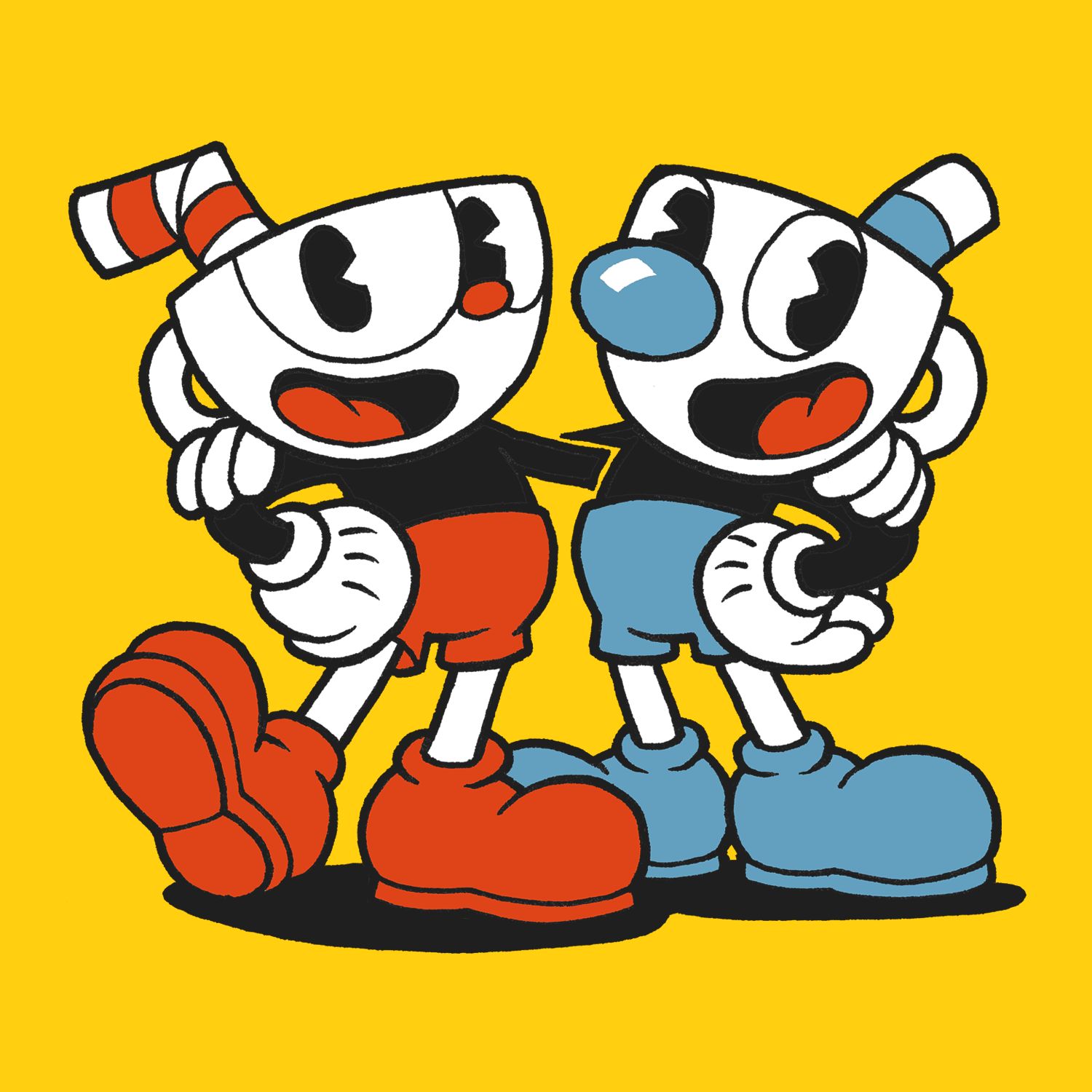
- Cuphead — gorgeous, demanding
- Hollow Knight — Metroidvania, large textures
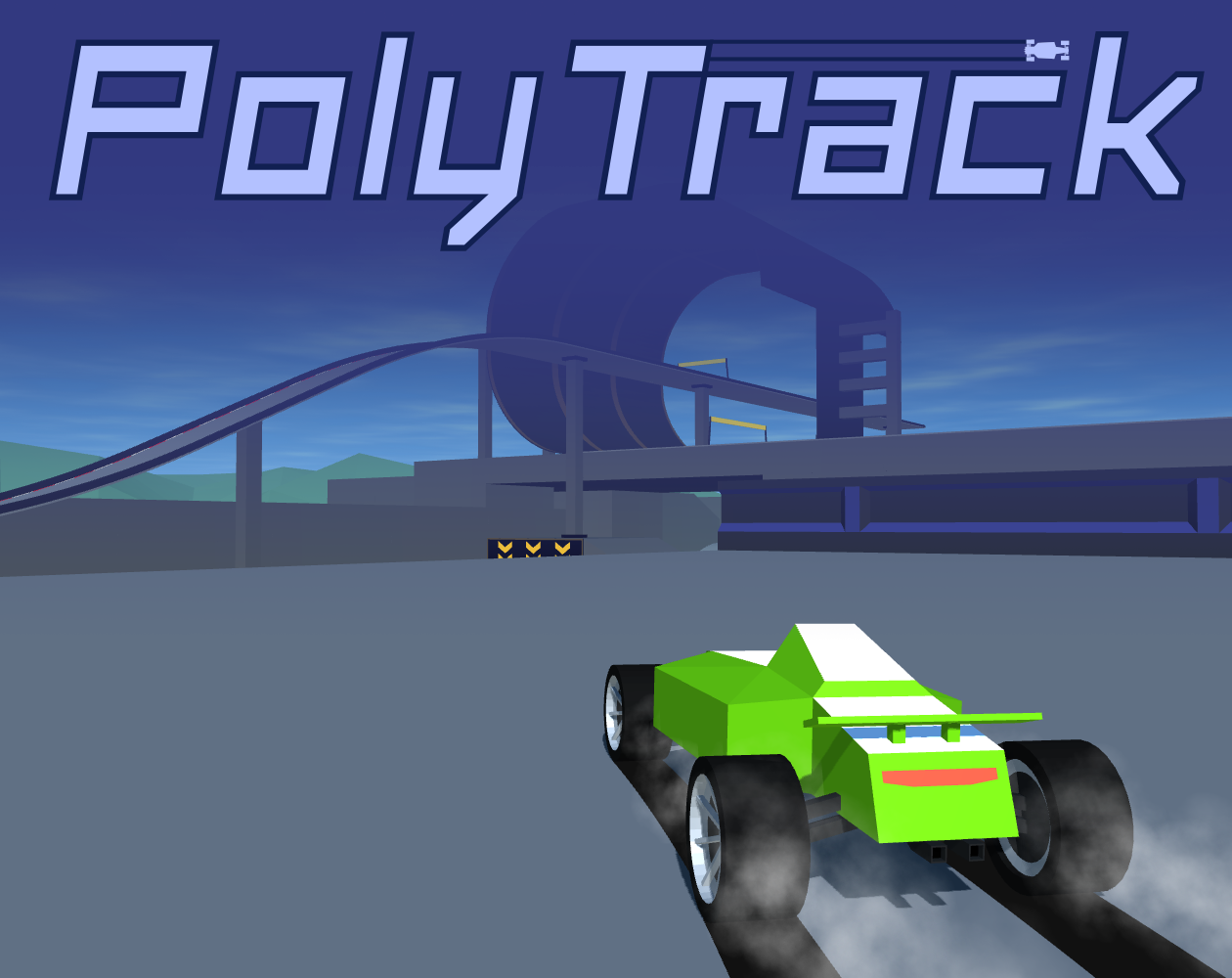
- Polytrack — 3D racing with track editor
- Minecraft 1.12 — full Minecraft 1.12 in browser
- Plants vs Zombies 2 — heavy assets
Chromebook-specific keyboard shortcuts on UBGHyper
- / — jump cursor to search box on the homepage. Faster than clicking.
- ` (backtick, top-left of keyboard above Tab) — toggle tab disguise. Tab title, favicon, and URL bar all swap to Google Classroom (default), or pick from Docs, Khan Academy, Desmos, Slides in the dropdown.
- F — fullscreen in most games. Useful on small Chromebook screens where the browser chrome eats too much space.
- Esc — exit fullscreen.
What to do if UBGHyper is blocked at your school
If you can see this page but a specific game doesn't load — that's usually a CORS issue with a single game's host, not a UBGHyper-level block. Try a different game in the same genre.
If the whole UBGHyper domain is blocked, your school has specifically added ubghyper.github.io to their blocklist. Two paths forward:
- Try a github.io mirror. The repo is open-source — you (or any other student) can fork it on GitHub and host the mirror at
{your-username}.github.ioin about 5 minutes. The mirror is a brand-new URL the school filter hasn't indexed. - Use UBGHyper at home, save progress, sync across devices. The /saves.html export tool lets you back up your saves to a JSON file, so even if school blocks one URL you can pick up where you left off elsewhere.
Save export for IT-reset Chromebooks
School IT departments occasionally reset all Chromebook profiles — usually at the end of a term or when migrating to a new domain. That wipes localStorage and every game progress you've accumulated. UBGHyper's save export tool exports all your game saves as a JSON file you can email to yourself or save to Google Drive, then re-import on a fresh profile. The tool is unique to UBGHyper — none of the legacy unblocked-games sites have it.
Top Chromebook-tested games








Recently added
New games added to UBGHyper this month:


Frequently asked questions
Will UBGHyper work on my school Chromebook?
Yes — over half of our users are on school Chromebooks. Every game is tested on ChromeOS, the site loads under a second, and you don't need any extension, plugin, or admin permission.
Can I play Flash games on a Chromebook?
Yes — UBGHyper runs every Flash classic via Ruffle, an open-source Flash emulator written in WebAssembly. It loads automatically in your browser. No plugin, no install, works natively on ChromeOS where the original Flash plugin never did.
Which games are best for older 4GB Chromebooks?
The lightest options are Flash-era games via Ruffle (Riddle School, Hobo, Sift Heads, Cookie Clicker), pure HTML5 puzzlers (2048, Tetris, Block Blast, Bitlife), and single-canvas physics games (Drive Mad, Drift Boss, Stickman Hook). Heavy WebGL games like Cuphead, Hollow Knight, and Polytrack work better on newer 8GB+ Chromebooks.
Do I need to install an extension?
No. Zero installs. UBGHyper is a static site — every game runs in your browser tab, the same way Google Docs runs in a browser tab. Closing the tab ends the session cleanly.
My school IT reset my Chromebook and I lost progress. Can I recover it?
If you exported your saves before the reset, yes — visit /saves.html, click Import, and select the JSON file. If you didn't export, the local progress is unfortunately gone. Going forward, the export tool at /saves.html lets you back up all your game saves to a JSON file you can email to yourself or save in Google Drive.
How do I make a game fullscreen on a Chromebook?
Most games support pressing F to enter fullscreen mode. Useful on small Chromebook screens where the browser chrome eats the play area. Press Esc to exit fullscreen.
Will my teacher see what game I'm playing?
Press the backtick key (`) or click the camo button. The tab title, favicon, and URL all swap to Google Classroom (or Docs, Khan Academy, Desmos from the dropdown). A teacher walking past your screen sees a school document.
Browse by category
Action · Adventure · Arcade · Comedy · Fighting · Horror · Idle · Multiplayer · Physics · Platformer · Puzzle · Racing · Retro · RPG · Sandbox · Shooter · Simulation · Sports · Strategy
Other unblocked games collections on UBGHyper
Minecraft Unblocked · Unblocked Games 66 · Unblocked Games 76 · Unblocked Games 77 · Unblocked Games WTF · Unblocked Games Premium · Unblocked Games on GitHub · Unblocked Games 67 · Unblocked Games 6X · Game Websites · Unblocked Games 911 · Unblocked Games World · Unblocked Games 999 · Unblocked Games 76 EZ · Tyrone's Unblocked Games